






DEVICE MANUFACTURERS
Prove What You Ship, Before Your Customers Ask
Your build pulls in open-source and third-party code nobody on your team wrote or vetted, and your source scanners can't see what actually compiled in.
NetRise analyzes the compiled artifact you ship — no source code required — so you can judge the dependencies going in, verify what the build actually produced, and stand behind both.
The Challenge
You Shipped a Build. You Documented an Intention.
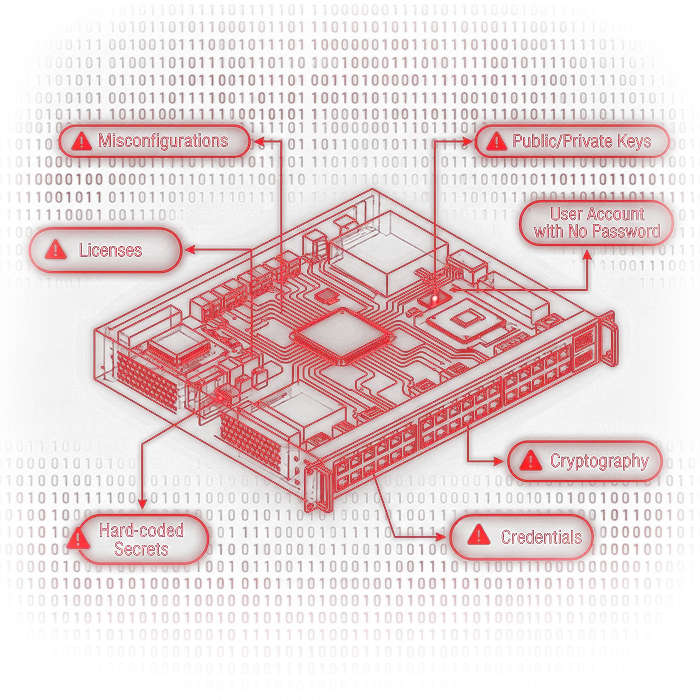
Your developers declared one thing; the build produced another. Open-source, inherited firmware, and third-party code arrive with components, secrets, and misconfigurations no manifest records. When a customer, regulator, or researcher asks what's actually in your product, the SBOM you generated from source can't answer them.
Where Build-Side Tools Stop Short
Source-based testing (SAST/SCA)
Analyzes the code your developers wrote, not the compiled artifact your build produces — so statically linked and embedded components never appear.
Source-derived SBOMs
Describe what was declared at build time; the versions your build actually linked in can drift, and the SBOM never catches up.
Dependency graphs
Map what you depend on, but not who maintains it, whether the project is decaying, or whether it should have been trusted at all.
Package managers
Install whatever a developer, a script, or an AI coding assistant asks for, with nothing checking it at the moment of install.
WITH NETRISE
Control What Goes In. Prove What Ships Out.
NetRise Turbine® analyzes the compiled firmware and applications your build produces, including the statically linked and embedded components no source-derived SBOM lists — so what you hand customers matches what shipped.
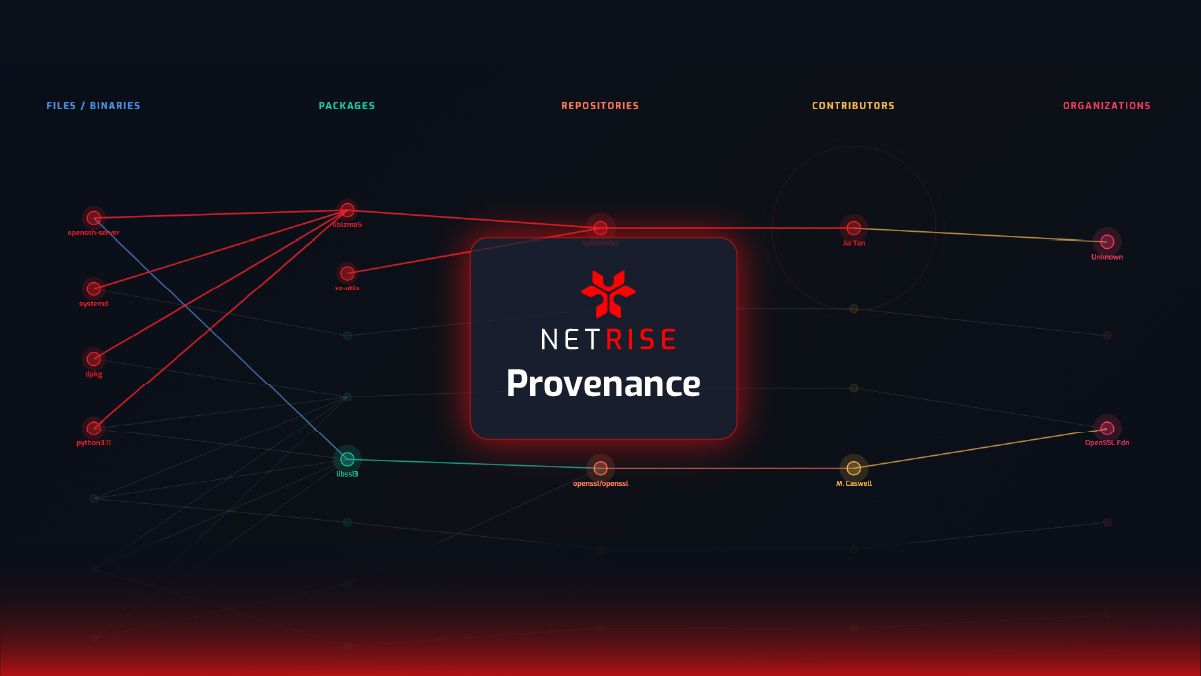
NetRise Provenance® holds every dependency to your standard the moment it enters — in the editor, at the command line, and when an AI assistant installs on a developer's behalf.
Turbine compares the artifact against your manifest, and each release against the last — catching a substituted component or a regression before a customer reports it.
Provenance traces how far an implicated component reaches, and Turbine confirms which of your products and versions contain it — so your PSIRT scopes an advisory instead of surveying engineers.
Provenance maps your open-source back to its maintainers and their geography, flagging sanctioned entities, high-risk contributors, and repositories sliding toward abandonment — the risk a clean CVE scan never reports.
THE SOLUTION
Two Products. One Complete Answer.
Provenance decides what earns a place in your build, judging the open-source you depend on and enforcing that standard before it's linked in. Turbine confirms what the artifact actually contains once it's built — components, secrets, and non-CVE risk, no source required. Together: evidence your customers can check, not an attestation they take on faith.
What did the build actually produce?
A source scan tells you what your developers wrote. Turbine analyzes the compiled artifact and tells you what shipped — the components, credentials, and configurations the build introduced that no manifest declared.
- Declared — the component your SBOM says is in the release.
- Shipped — what the artifact actually contains, which is not always the same.
What that surfaces in a real build:
- 13Kcertificates and 128 private keys found inside a single patched device, none of them a CVE
- 2400+vulnerabilities inside one shipped device a network scanner reported clean
- 10k+kernel and firmware findings cleared automatically in a single analysis
Can you trust the open-source you're building on?
Most of what you ship, your team didn't write. Provenance maps each dependency back to its origin and the people behind it — so you can decide what to trust before it's compiled into your product.
- Where it came from — the canonical source repository behind a package, past mirrors and forks.
- Whether it clears your bar — Package Firewall Manager checks every dependency at intake, including the ones an AI coding assistant pulls in.
- How far it would reach — which of your products and releases inherit a dependency, so a compromise is scoped in minutes, not traced by hand.
The scale behind that answer:
- 3M+open-source repositories monitored across the ecosystem
- 10M+packages linked to the sources they came from
- 100M+contributors profiled by organization and region
OEM Results You Can Measure
Generate build-true SBOMs from the compiled artifact, ready to hand customers, auditors, and regulators.
Catch build-time deviations before a release ships, not after a customer finds them.
Choose safer dependencies by knowing who maintains them and whether the project is sound.
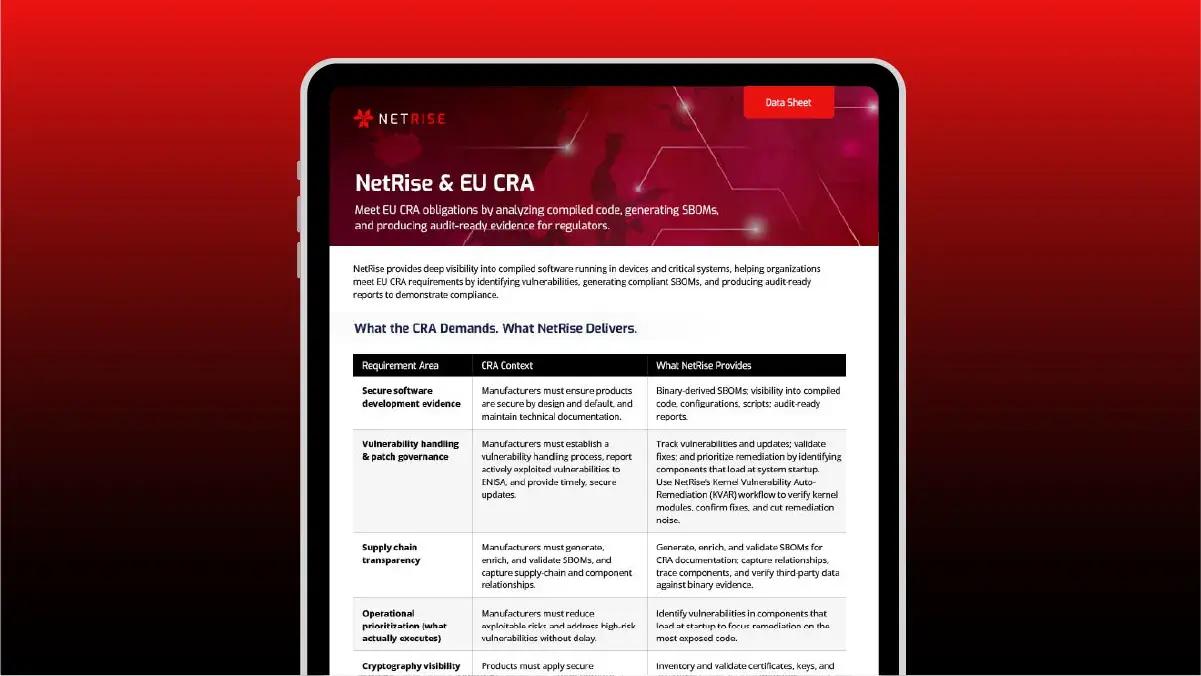
Meet CRA and sector product-security evidence requirements from the artifact itself.
Can You Prove What's Inside the Product You Ship?
Frequently Asked Questions
How does NetRise help device manufacturers and OEMs?
NetRise analyzes the compiled firmware and applications you ship. Provenance judges whether the open-source you build on can be trusted and holds it to your standard before it's linked in, and Turbine confirms what the build actually produced — including statically linked and embedded components no source-derived SBOM lists — so you can ship with evidence of what's inside and who's behind it.
Why isn't a source-derived SBOM enough?
A source-derived SBOM describes what your developers declared, not what the build compiled. Build processes introduce components, version changes, secrets, and misconfigurations that never make it back into the manifest — so the SBOM and the shipped artifact drift apart. NetRise generates a build-true SBOM from the compiled artifact itself.
Can NetRise analyze our product without our source code?
Yes. NetRise analyzes the compiled artifact directly — no source code required — so you can verify firmware, applications, and third-party components in exactly the form your customers receive them.
How does Provenance help us choose safer dependencies?
Provenance maps each open-source component back to its canonical source, maintainers, and organizations, and flags dependencies tied to high-risk contributors, decaying repositories, or sanctioned entities. Its Package Firewall Manager can flag or block components that violate your trust standard at intake and in CI/CD, before they're compiled into your product.
How does NetRise support OEM compliance?
NetRise produces evidence from the artifact you actually ship — the components inside it, where they came from, and what changed between releases. Manufacturers use that evidence against the product-security regimes their markets impose, including the EU Cyber Resilience Act and sector rules such as FDA premarket cybersecurity for medical devices. NetRise supplies the evidence; it does not by itself confer compliance.